 Visuals
Write it the way you say it
Type the routine in your own words: morning, bedtime, after school, a trip to the shops. Visuals finds the steps.
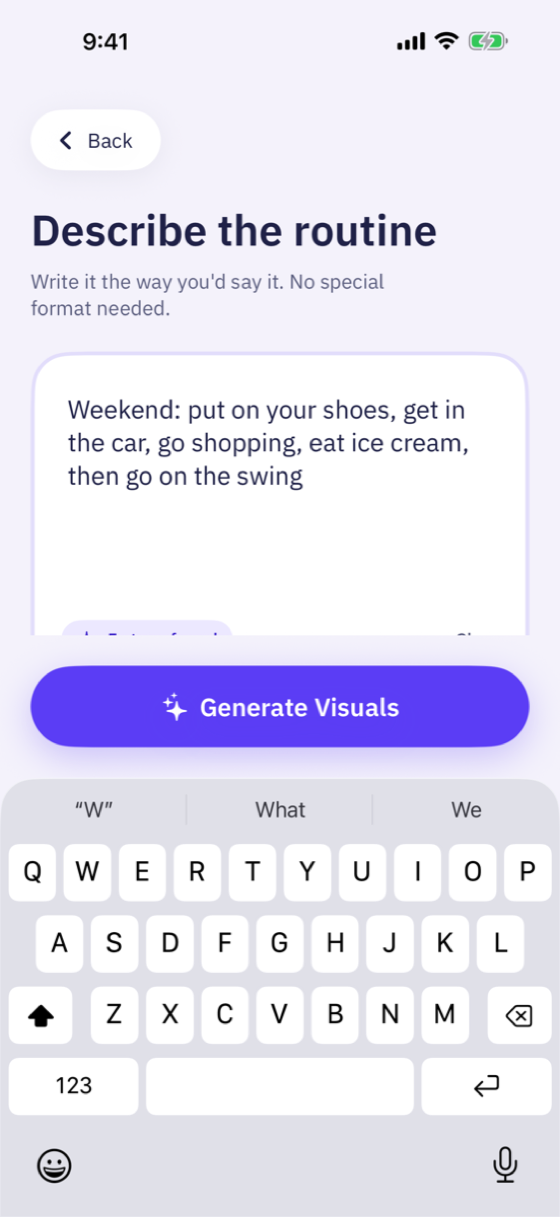
Visual schedule app for iPad and iPhone
Type what you would say. Visuals splits it into clear steps and gives each one a picture. Made for children who understand pictures best, including autistic children.
You typeIn the morning, go to the bathroom, wash your face, brush your teeth, then eat breakfast.
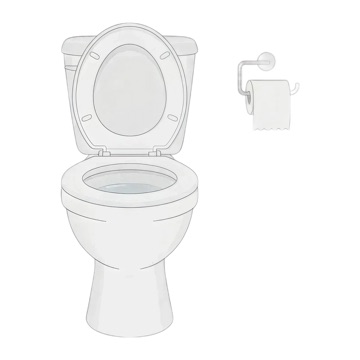 Go to the bathroom
 Wash your face
 Brush your teeth
 Eat breakfast
Try it. Nothing moves until you tap, just like in the app.
That is how your child follows a routine. Now make one of your own.
Get Visuals freeThe problem
You say it once, twice, five times. By the third step, the first one is gone. A spoken instruction vanishes the moment it is said. A picture stays where your child can check it again.
In the morning, go to the bathroom, wash your face, brush your teeth, then eat breakfast.
Go to the bathroomWash your faceBrush your teethEat breakfastSpoken: gone in seconds.
How it works
No forms and no templates. One text box, the way you already talk to your child.
Type the routine in your own words: morning, bedtime, after school, a trip to the shops. Visuals finds the steps.
Every step gets a picture, from the built-in library or newly drawn. Edit the words, reorder steps, swap a picture, then save.
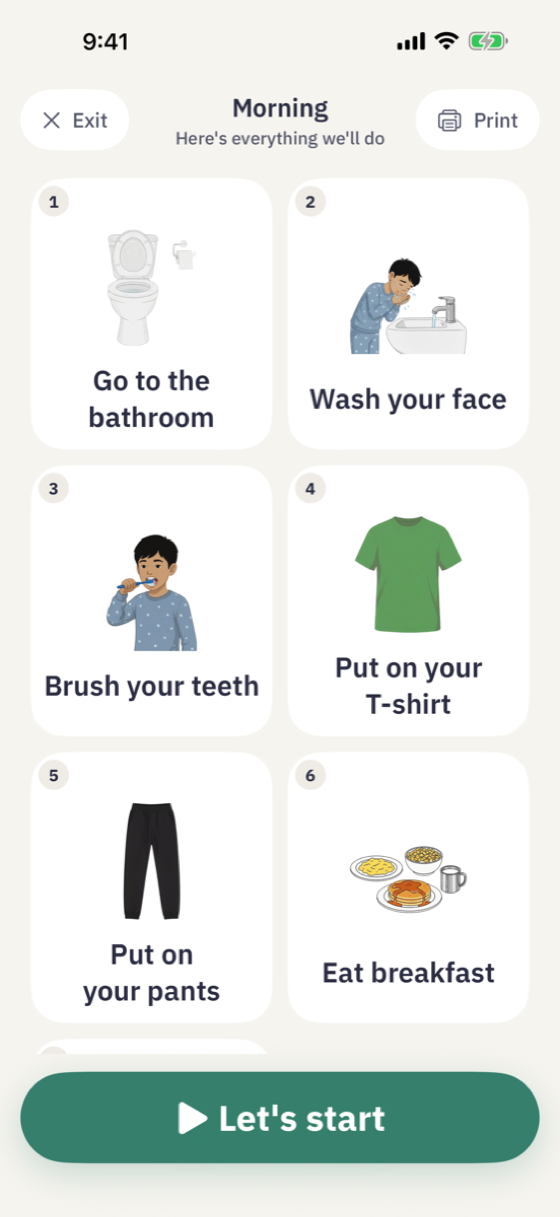
The whole routine stays visible. Your child taps "I did it" to move on. Nothing changes until they do.
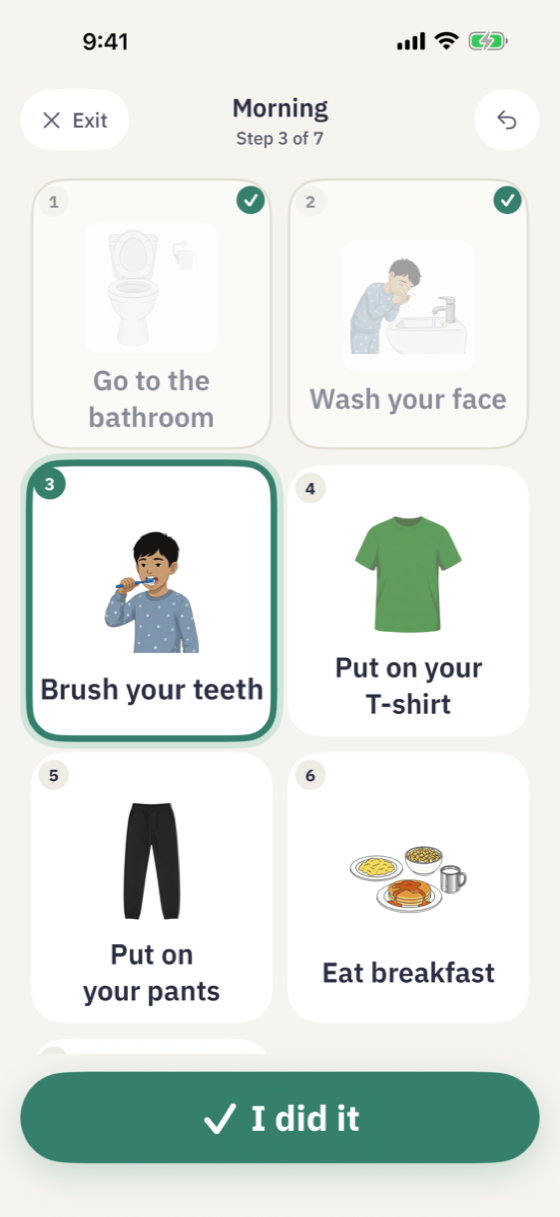
Why it stays calm
Free to use. The picture library is free, as much as you like, and you get 15 new AI pictures every month. No ads.
Only a tap on "I did it" moves on. No timers and no automatic changes.
Pick pictures from the built-in library, or ask for a new one and say what to change.
The whole routine is visible as a grid. Your child always sees what comes next and when it ends.
No flashing, gentle animations, and Reduce Motion is respected.
Describe your child once, with no name and no photo, and new pictures show a child who looks like them. Options for modest dress and your home setting.
Print any routine as a chart or as cut-out cards.
Saved routines play fully offline, and a parental PIN protects account settings.
The library
Dressing, washing, meals, outings and more. Library pictures are always free, and every new AI picture is checked before you see it.
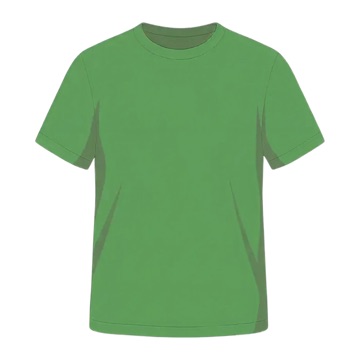 Put on your T-shirt
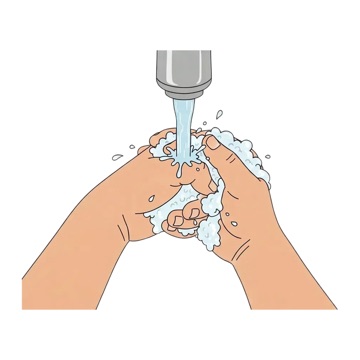 Wash your hands
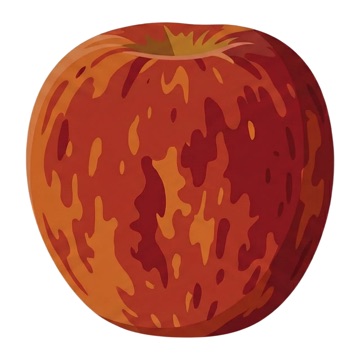 Eat an apple
 Put on your pants
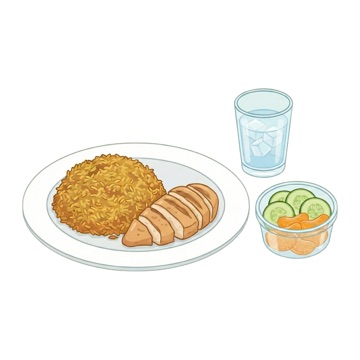 Eat lunch
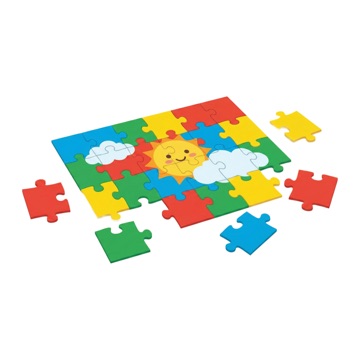 Do a puzzle
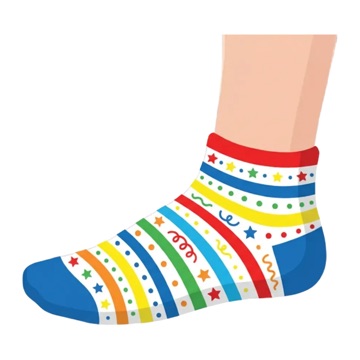 Put on your socks
 Drink water
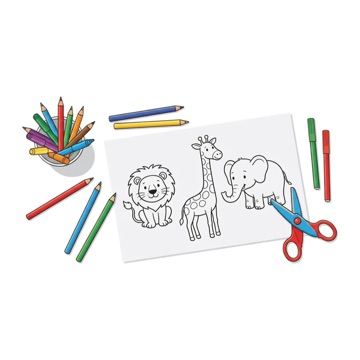 Draw and color
 Put on your jacket
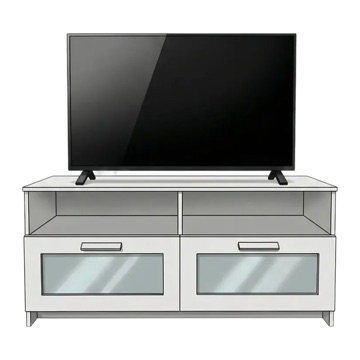 Watch TV
 Eat ice cream
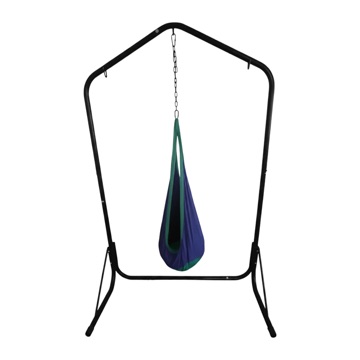 Go on the swing
 Take a bath
Two languages
Write a routine in English or Arabic. The whole app mirrors for right-to-left, and each routine keeps the language it was written in.
Go to the bathroomWash your faceBrush your teethEat breakfastA visual schedule shows the steps of an activity as pictures, in order. Instead of holding a list of spoken instructions in mind, a child can see what happens now, what comes next and when it ends.
Visual schedules, also called picture schedules or visual supports, are widely used at home and in classrooms with autistic children, and many families find them just as useful for children with ADHD, children with speech and language delays, and toddlers learning daily routines.
Making a picture schedule by hand means finding images, printing, cutting and laminating, then starting again when the routine changes. Visuals makes one from a sentence in about a minute, and you can change it whenever the day changes.
Good to know
A visual schedule app shows the steps of a routine as pictures in order, so a child can see what to do now and what comes next. Visuals builds the schedule for you from a sentence you type, and your child follows it one step at a time.
Parents and carers of children who understand pictures best. It was designed with autistic children in mind, and it also suits children with ADHD, children with speech or language delays, and young children learning daily routines. Visuals is a support tool, not therapy or medical advice.
Yes. The built-in picture library is free with no limit, and every month you get 15 new AI pictures drawn for your own routines. There are no ads.
Yes. The whole app works in English and Arabic, with right-to-left layouts, and each routine keeps the language it was written in.
Saved routines play fully offline, so they work in the car or anywhere without a connection. Making a new routine needs the internet.
Yes. Print any routine as a chart for the wall or the fridge, or as cut-out cards.
Visuals never asks for your child's name or photo. New pictures are made with Google's Gemini AI, and the app asks before it sends anything. There are no ads and no tracking.
iPad and iPhone with iOS 17 or later. Visuals is on the App Store in Saudi Arabia and the United States.
Type one sentence. See it as pictures your child can follow.
Download on the App StoreFree. No ads. English and Arabic.